When you click on links to various merchants on this site and make a purchase, this can result in this site earning a commission. Affiliate programs and affiliations include, but are not limited to, the eBay Partner Network.
I don't know what the deal is then. I upload the pics and click upload and then nothing shows up. Ill keep messing around with it.
In the popup upload window, the pic has to make it to 100% and then show the thumbnail image. Then when you hit upload in the top right, you have to wait for it to appear inline line the post before you hit Submit. If the picture doesn't show up in the post before hitting submit, it won't show up in the thread.
Finally I am able to post. For some reason when I was uploading using the manage attachments it didn't work but when I click on the image icon, it worked.
Finally I am able to post. For some reason when I was uploading using the manage attachments it didn't work but when I click on the image icon, it worked.
Correct. The paperclip is only for non image attachments like pdfs. The image icon is how you have to do pictures. A few years ago you'd use the paperclip for everything, but then photos were capped at a certain size and you'd have to resize them before you could upload them. As the image sensors in cameras and smartphones got larger and larger, that became a huge PITA. With the photo icon method, the photos get resized no matter what size they start out at and you don't get an error when trying to upload them - though the larger they are, the longer it takes, obviously.
errrrg,... winter is still incoming,... and a long siesta awaits,..... but now the opportunities to drive seem to get fewer & fewer between (esp with holiday preparations taking high priority)...
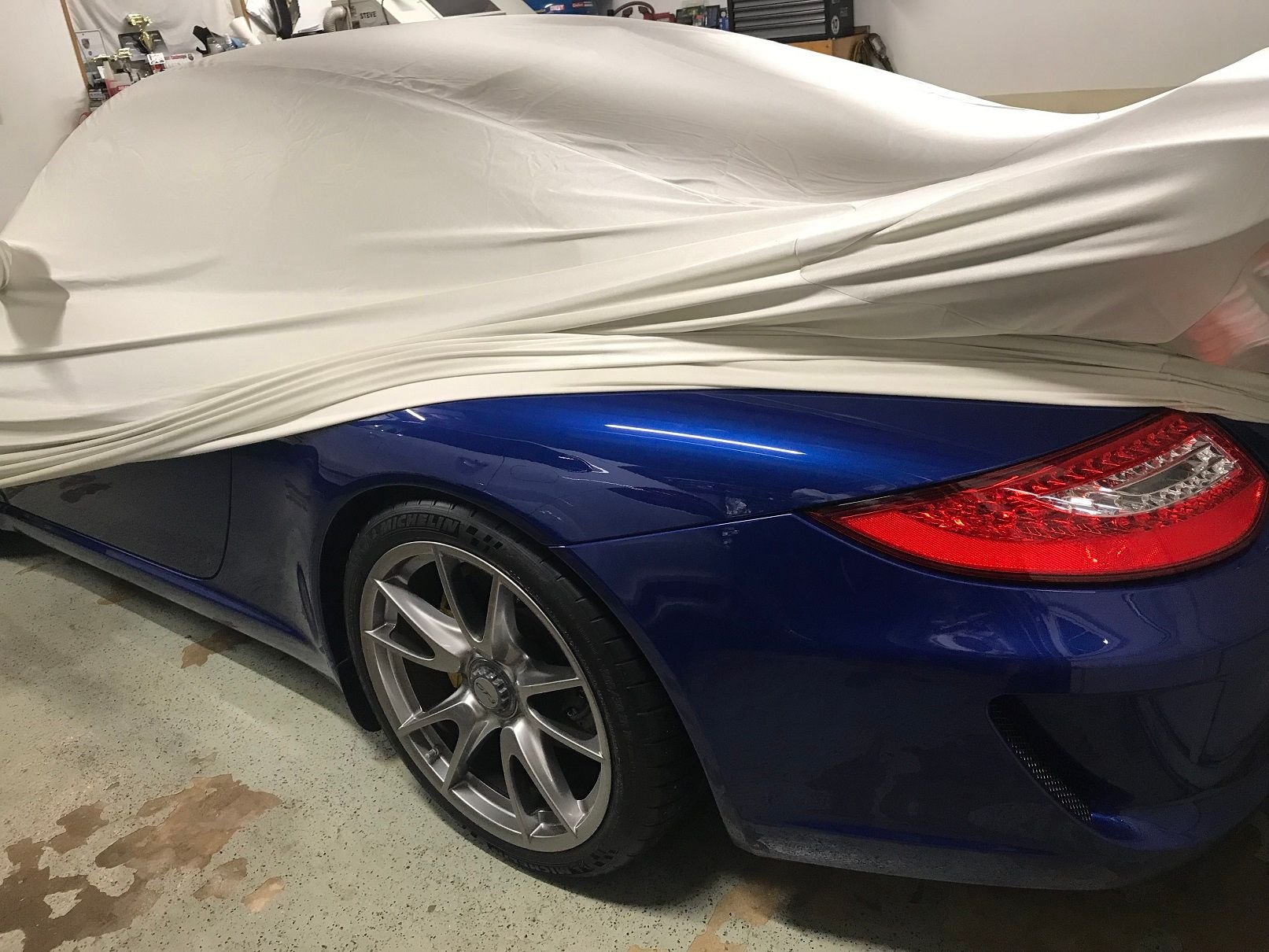
... like me,... any of you find yourself slipping the cover partly off,... just to sneak a peak as you continually find excuses to walk through the garage? ... kinda like lingerie ....