When you click on links to various merchants on this site and make a purchase, this can result in this site earning a commission. Affiliate programs and affiliations include, but are not limited to, the eBay Partner Network.
Thanks, everyone, for the clarification/education. I haven't really monkeyed with those settings in the car, much less via PIWIS/Launch.
Edited - poor weather is my loss, your gain. I was bored.
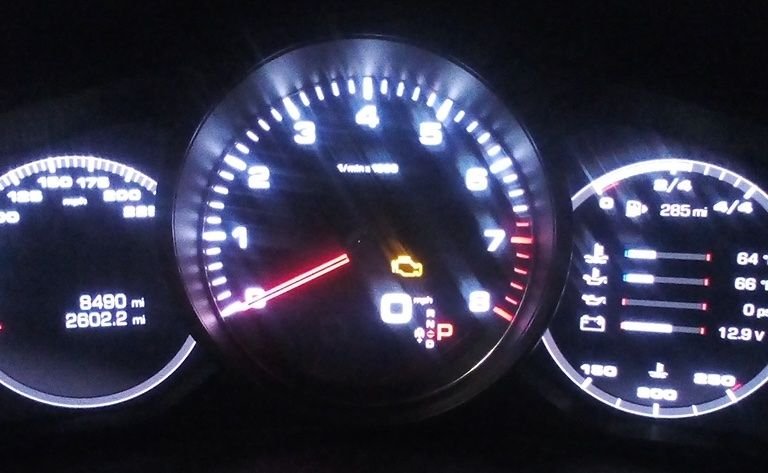
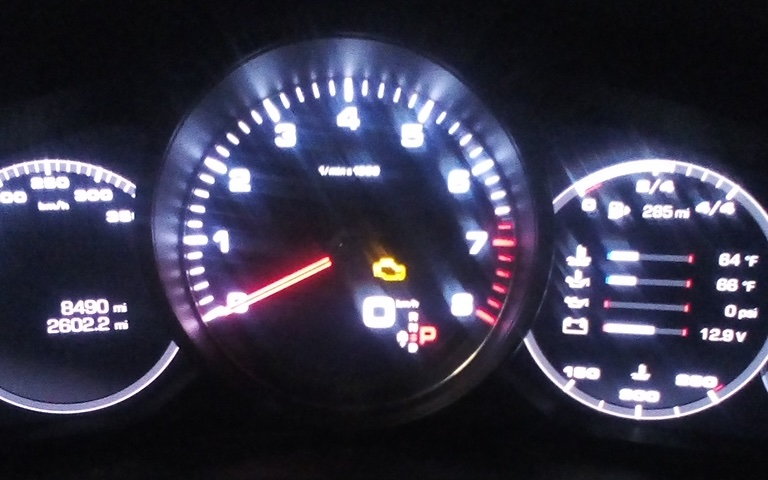
Using my Launch x431: Instrument Cluster: Factory Setting-Factory setting units-Speed: change to "Unit_kmh". I did not go drive the car around after changing the setting, but the center/digital speed definitely changed to say "km/h"
Sorry for the crappy pictures, but I did not take my phone out with me. These came from the x431's camera (yuck) Setting screen on x431
Before (set to Unit_mph)
After (set to Unit_kmh)
Can you confirm the model Launch that you have and the software version you're using? needing to do this exact coding but need to make sure I have the right tools to do it!
I would like to enable wireless car play on my 2019 Cayenne S. Based on some of these posts it seems to be possible I just cant find step by step instructions. Does anyone know exactly how to do this if I am new to this type of coding. I also need to buy a coding unit can anyone link to one that will work for this job?
I would like to enable wireless car play on my 2019 Cayenne S. Based on some of these posts it seems to be possible I just cant find step by step instructions. Does anyone know exactly how to do this if I am new to this type of coding. I also need to buy a coding unit can anyone link to one that will work for this job?
Thank you all for your help.
Ryan
First buy the VCI vas6154 clone with Firmware 1.6.6.0 then buy the coding software to install on your existing laptop wich has to be 1920x1080 capable screen resolution.
There is topic regarding wireless carplay on this thread.
PM for more.
Last edited by rnlst_log; Apr 19, 2022 at 11:49 AM.
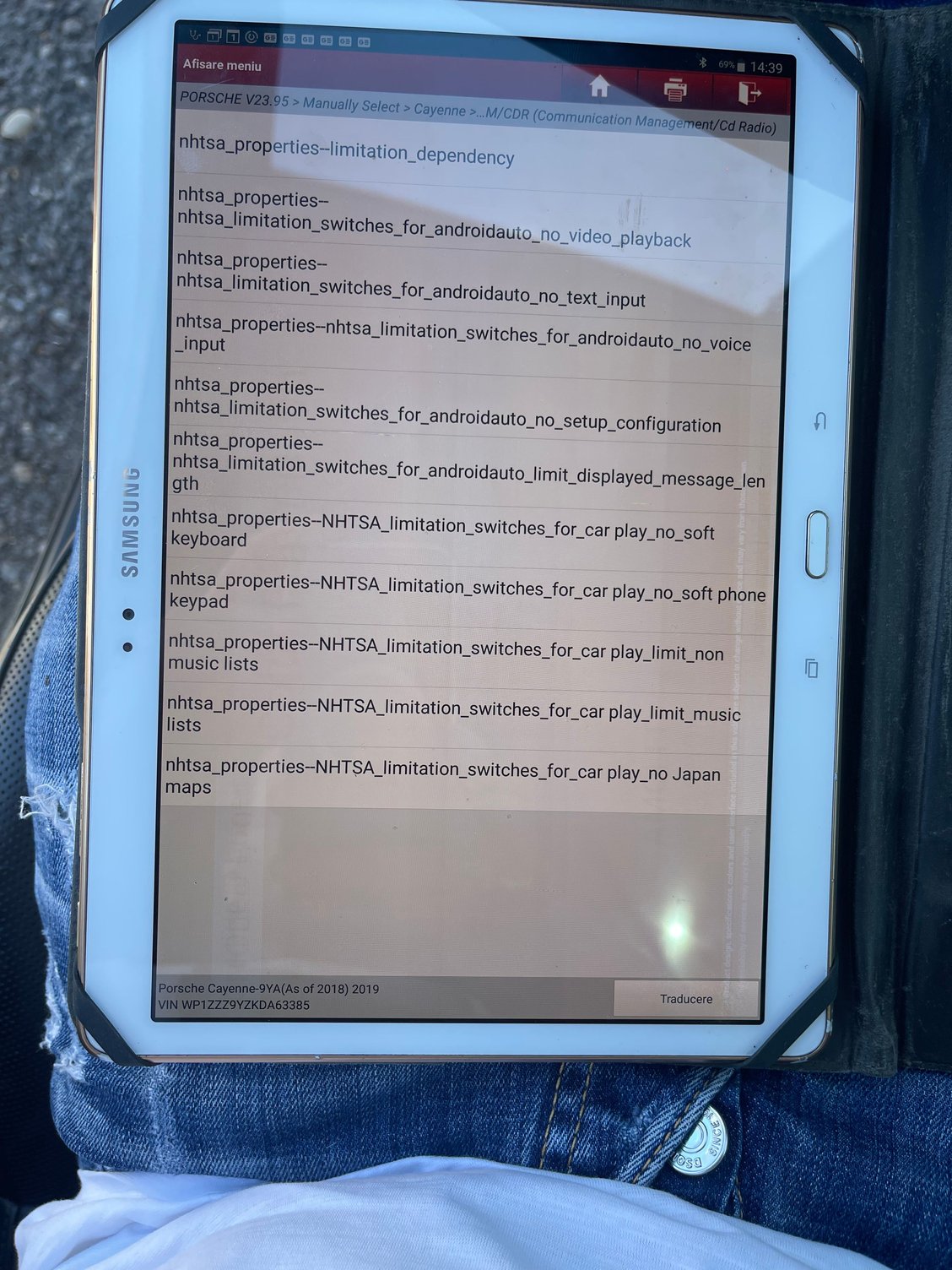
Hello guys, can you help me with the following only with X431?
1. Where i can deactivate the video motion ? I know you said to deactivate the NHTSA, but i have 11 options. I know i can’t play youtube video from my iphone, but i would like to play videos from the SD card. Please tell me exactly wich one. They have to be enabled or disabled ? I attashed the photo.
2. Where exactly i can activate the signal in the mirrors ? I didn’t find it.
3. Where can i activate when i close the car, the windows and panoramic roof to close too, without holding the close button?
4. The car has ACC. Where i can activate Innodrive with ACC?
I can confirm that with your help, i managed to disable start/stop, enable Wireless Carplay, disabled seat belt chimes, enable 3D Surround View.
Thank you in advanced.
Last edited by ariciu453; Apr 26, 2022 at 01:40 PM.
If someone has VAL file from car with innodrive (created by piwis III) I would try to compare all codings and prepare some instructions for you. Please send PM
This is due to the generous help I've gotten from @rnlst_log , @lsb , and @don16 .
OK - I think (repeat THINK) I found a path for Matrix LED's on US-spec cars. Everything below sounds crazy, I know, but could someone who has time and patience try this:
Requirements:
- US Spec car
- PDLS+ LED Matrix headlights (standard matrix headlights is what I have, the black ones should work, too)
- Recent version of PIWIS III and a knowledge of coding, using the F7 Additional menu, and error/fault clearing (I used version 41.400)
- External power of 70amps or more (do not do this with the engine running, do not do this using a battery tender)
VERY BIG WARNINGS:
- You need to know your way around PIWIS III pretty well. If you're not confident, don't do this. Please.
- Most codings you have put into place previously will get erased by this process. You will need to put them back.
- Even though you are simply going to make changes, do automatic coding, revert the changes, and then do automatic coding again, you could definintely BORK your car. If you can't fix it, seek professional help.
The long and involved process (plan on 2 - 3 hours):
- Go into PIWIS Diags and let it determine your car
- Go to F7 Additional menu
- Step forward to the options (please make good notes about your original settings - you'll be using them shortly)
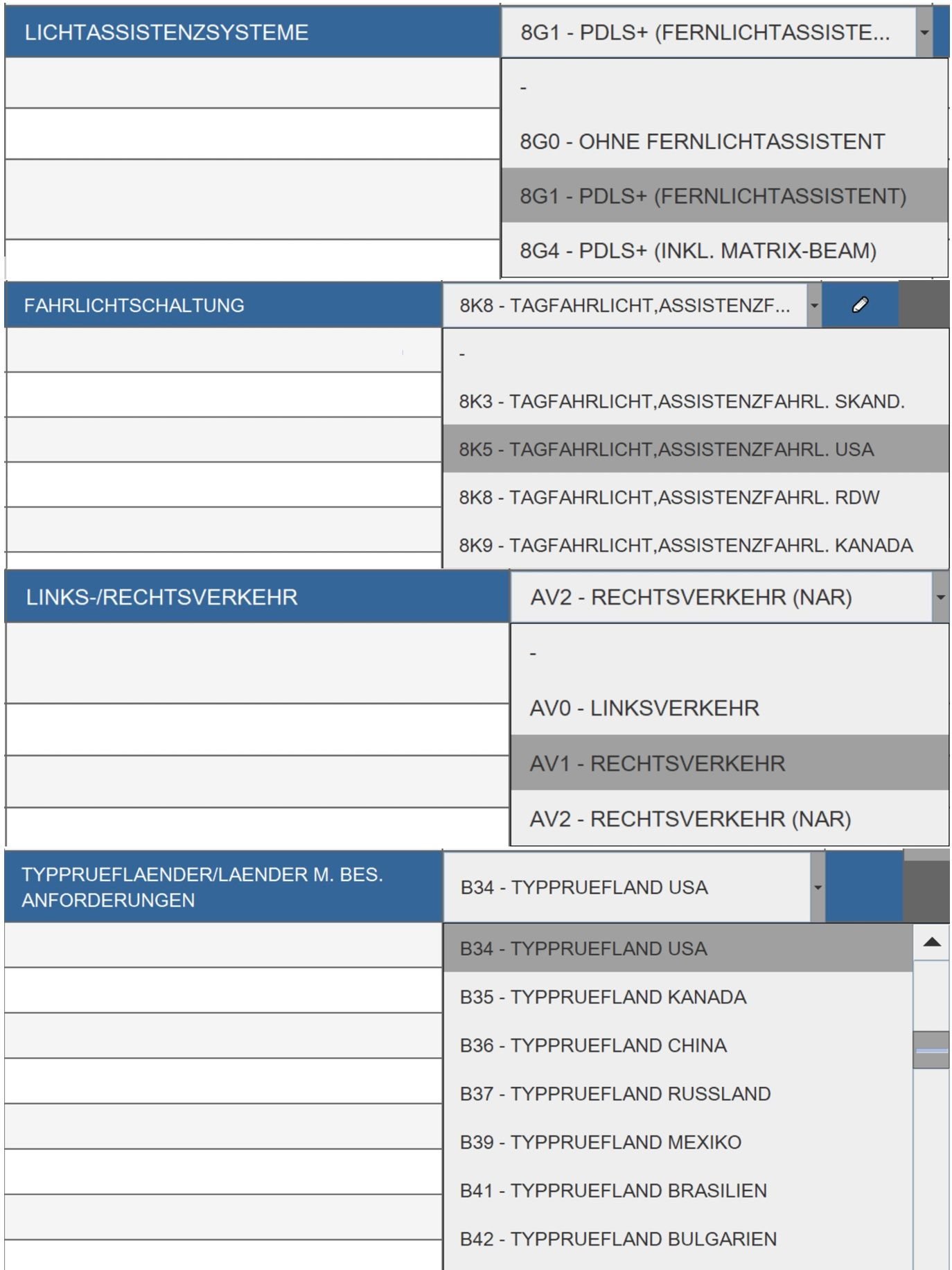
- Change FAHRLICHTSCHALTUNG TO 8K8 (your original setting is probably 8K5)
- Change LICHTASSISTENZSYSTEME to 8G4 (yours is probably set to 8G1)
- Change LINKS-/RECHTSVERKEHR from AV2 to AV1 (make sure yours was originally set to AV2)
- Change TYPPRUEFLAENDER/LAENDER M. BES ANDFORDERUNGEN to B2 (your should have originally been set to B34)
- Click on Save and go to Overview
- Select ALL MODULES (Ctrl-A makes this easy)
- Go to Coding
- Select Automatic Coding (just plain Automatic Coding)
- Let it do it's thing - this will take a while, and you will get a TON of errors, and your instrument panel will switch to German (PCM will likely stay english). You may also note that your turn signals no longer function.
- If your emergency brake is being whiny, put your foot firmly on the brake pedal, press the e brake button down (maybe hold it for 2 seconds), then lift the button up (hold it for 2 second). Repeat if the e-brake is still being whiny.
- Use your PIWIS to clear all errors, but some will remain - this is to be expected (especially lighting errors, and maybe even the allrad (All Wheel Drive). This is ok.
- This step is likely optional, but it's what I did: Start your car, put it in gear, and then put it right back in park. I did this just to check the emergency brake operation.
- Cut the car off, leave PIWIS and external power connected and running. Walk away. Have a cup of coffee. Do somthing for 15-20 minutes (again - this step is probably not necessary, but it's what I did)
- Now - repeat the steps above, except change everything back to your original settings (your wrote those down earlier, right?) **** IMPORTANT EDIT: Leave LICHTASSISTENZSYSTEME set to 8G4 ****
- Fix your whiny emergency brake again
- I started my car, put it in gear, put it in park, etc. (probably not needed)
- I took the time at this point to swap the PIWIS for my Launch and put my other codings back into place (seat belt chime off, sidemarker flashes with turnsignal, etc.). Most codings you have put into place previously will get erased by this process. You will need to put them back.
- Disconnect everything, lock up, and walk away for a while (another 15-20 minutes - probably not needed, but it's what I did)
- Go test it out on a dark road where you might get some cars coming the other way (make sure your high beams are on - blue light on the instrument panel)
Some screen shots of the settings I'm talking about:
Talos Takes Your 991 Porsche 911 GT3 to the Next Level for a Cool $1.13 Million
Slideshow: Talos Vehicles has transformed the Porsche 911 GT3 RS into a carbon-bodied, race-inspired machine that costs well over $1 million before the donor car is even included.
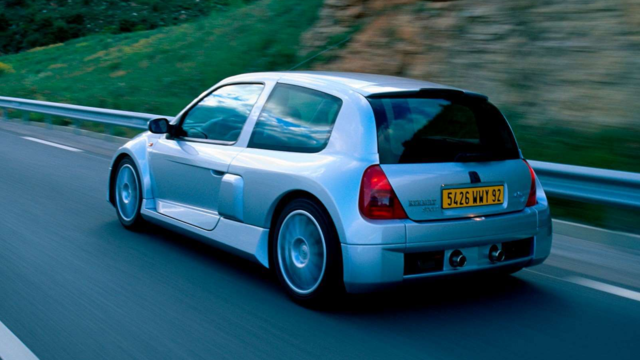
9 Vehicles Porsche Helped Engineer that Aren't Porsches
Slideshow: Long before engineering consulting became trendy, Porsche was quietly helping other automakers build everything from supercars to economy hatchbacks.
9 Features and Characteristics That Only Porsche People Understand
Slideshow: Some brands build cars. Porsche builds traditions, obsessions, and a few habits that stopped making sense decades ago but somehow became part of the charm.
This Builder Is Turning Heads With Its Slantnose 911 Creation
Slideshow: A small Polish tuner has reimagined the Porsche 911 Slantnose for the modern era, blending 1980s nostalgia with widebody tuning culture and serious performance upgrades.
Porsche 911 GT3 Artisan Edition Pays Homage to Japanese Culture
Slideshow: Porsche has created a Japan-only 911 GT3 Artisan Edition that blends track-ready hardware with design cues inspired by traditional Japanese craftsmanship.





















 I'll try and let you know if it works