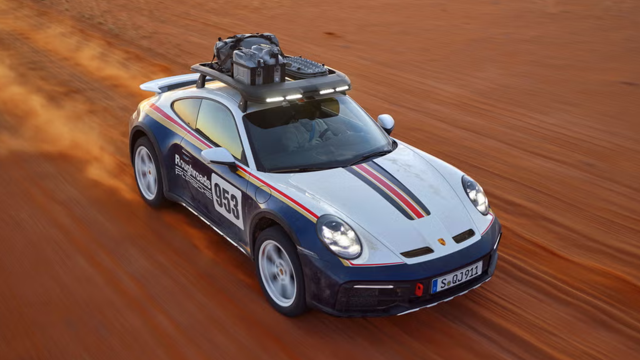




Pick up the New 991 Brochure

Thread Starter
Intermediate
Joined: Feb 2010
Posts: 30
Likes: 0
 Pick up the New 991 Brochure
Was at the dealer having my car serviced and asked the sales staff for a 991 brochure. At first they said they didn't have any, then about ten minutes later gave me one. Pretty cool. Had some good information.

Burning Brakes
Joined: Aug 2005
Posts: 925
Likes: 1
Newbies Hospitality Director
Lifetime Rennlist
Member
Lifetime Rennlist
Member
Joined: Apr 2005
Posts: 18,084
Likes: 43
From: Winston-Salem, NC

All words shown in BOLD indicate buttons. If you are just doing a "Quick Reply" you will have to click on Go Advanced button. Then follow the steps below:
Down below the part of the screen where you type the text and below the Submit Reply and the Preview Post buttons, there is a Miscellaneous Options section followed by an Attach Files section.
In the Attach Files section, click on the Manage Attachments button.
You will now get a pop-up window. There are 3 buttons Browse, Upload, and at the bottom of the window, the Close this Window.
If the pics are on your computer, click on one of the Browse buttons and now (in a new pop-up window) you can search on your PC to locate the pic you want to attach. Click on the name of the file you want and then click the Open button. If you want to upload some additional pics, repeat the above process. Now click on the Upload button. After the files have been uploaded, click on the Close this Window button.
If the pics are in a url, in the boxes supplied, type in the addresses where the pics are located. Then click on the Upload button. After the files have been uploaded, click on the Close this Window button.
After you click on the Close this Window, you will be back to the original "message" screen. Your pic file should be listed just above the Manage Attachments button.
If you are finished typing the text, you can click on the Submit Reply button.
If your pics are too large, you can resize them with MS Paint, or PhotoShop software, or you can do it online at this web site. http://www.resize2mail.com/

Instructor

Joined: Jan 2005
Posts: 115
Likes: 91
From: United Kingdom
You can download the brochure on the UK website http://www.porsche.com/uk/models/911...y/?gtabindex=4
Trending Topics

Poseur
Rennlist Member
Rennlist Member


Joined: Nov 2005
Posts: 17,743
Likes: 294
From: Santa Barbara, CA
Reading through the 991 catalog I noticed (regarding the new 7 speed manual) that the gear you're in wiil be displayed on the instruments, and that there will also be a suggestive upshift indicator. Everyone hated those back in 1984 when Porsche started to do that to improve their corporate fuel use standards. (People used to take the little peanut bulbs out so as to not be distracted by it). Can you imagine being told to upshift at 1800 rpm!
Rennlist Stories
The Best Porsche Posts for Porsche Enthusiasts
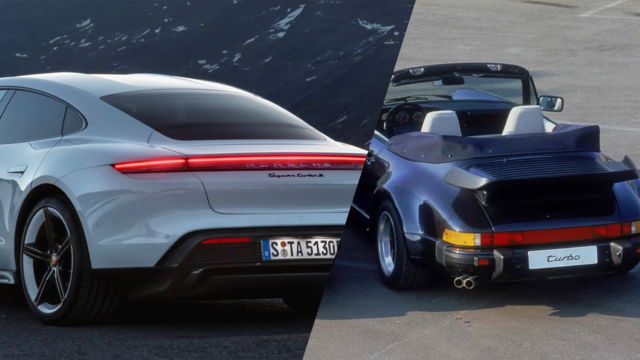
Porsche's Top 5 Most Questionable Naming Decisions
Verdad Gallardo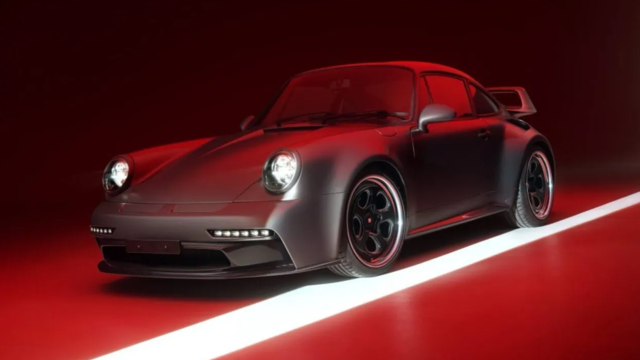
Pogea Racing's 964 Porsche 911 Reimagination Stands Out in a Crowded Field
Verdad Gallardo
6 Convertible Top MYTHS Most People Don't Understand!
Michael S. Palmer
2026 Porsche 911 Club Coupe is Spectacular, And Everything Wrong with the Porsche Market
Joe Kucinski
Talos Takes Your 991 Porsche 911 GT3 to the Next Level for a Cool $1.13 Million
Verdad Gallardo
9 Vehicles Porsche Helped Engineer that Aren't Porsches
Verdad Gallardo
9 Features and Characteristics That Only Porsche People Understand
Verdad Gallardo
I've Written 500 Rennlist Articles: Here's How Porsche Has Changed Along the Way
Joe Kucinski