



Aftermarket Wheels - Post Your Pics
Addict
Lifetime Rennlist
Member
Lifetime Rennlist
Member

Joined: Jan 2007
Posts: 15,636
Likes: 202
From: delray beach florida

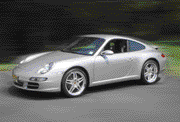
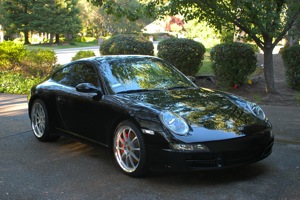
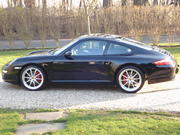
My car is a paint to sample.It took me 9 months to convince porsche to duplicate my 62 cab s ivory 6204.I wanted a white car but not glacier white or carrera white.If i can ever figure out how to use this upload feature you will love my makassar and leather interior.

Instructor
Joined: Feb 2005
Posts: 161
Likes: 0
From: Sunny Southern California
Hello,
Beautiful car, beautiful wheels! I am planning on sand beige with makassar for my next Porsche, but just not sure whether the combination will work. I have not found any picture of this sand/makassar interior where the rear center console is also makassar. Would you please email me high resolution pictures of your car's interior (the more the better)? I'll email/pm you too in case you don't see this post.
Thank you in advance.
Beautiful car, beautiful wheels! I am planning on sand beige with makassar for my next Porsche, but just not sure whether the combination will work. I have not found any picture of this sand/makassar interior where the rear center console is also makassar. Would you please email me high resolution pictures of your car's interior (the more the better)? I'll email/pm you too in case you don't see this post.
Thank you in advance.
Originally Posted by POINTS
My car is a paint to sample.It took me 9 months to convince porsche to duplicate my 62 cab s ivory 6204.I wanted a white car but not glacier white or carrera white.If i can ever figure out how to use this upload feature you will love my makassar and leather interior.
Newbies Hospitality Director
Lifetime Rennlist
Member
Lifetime Rennlist
Member
Joined: Apr 2005
Posts: 18,084
Likes: 43
From: Winston-Salem, NC
Originally Posted by POINTS
My car is a paint to sample.It took me 9 months to convince porsche to duplicate my 62 cab s ivory 6204.I wanted a white car but not glacier white or carrera white.If i can ever figure out how to use this upload feature you will love my makassar and leather interior.

All words shown in BOLD indicate buttons. If you are just doing a "Quick Reply" you will have to click on Go Advanced button. Then follow the steps below:
Down below the part of the screen where you type the text and below the Submit Reply the Preview Post and Spell Check buttons, there is a Miscellaneous Options section followed by an Attach Files section.
In the Attach Files section, click on the Manage Attachments button.
You will now get a pop-up window. There are 3 buttons Browse, Upload, and Close this Window.
Click on the Browse button and now (in a new pop-up window) you can search on your PC to locate the pic you want to attach. Click on the name of the file you want and then click the Open button. Now click on the Upload button. After the file has been uploaded, you can click on Browse button and repeat the process to upload another pic or click on the Close this Window button.
After you click on the Close this Window, you will be back to the original "message" screen. Your pic file should be listed just above the Manage Attachments button.
If you are finished typing the text, you can click on the Submit Reply button and everyone will be able to see your great looking P-car!
If your pics are too large, you can resize them with MS Paint, or PhotoShop software, or you can do it online at this web site. http://www.resize2mail.com/
Newbies Hospitality Director
Lifetime Rennlist
Member
Lifetime Rennlist
Member
Joined: Apr 2005
Posts: 18,084
Likes: 43
From: Winston-Salem, NC
Originally Posted by POINTS
gota 911: that resize site was the key!I got the pics but they wont post cause they are too big.Thank you.pat
Rennlist Stories
The Best Porsche Posts for Porsche Enthusiasts
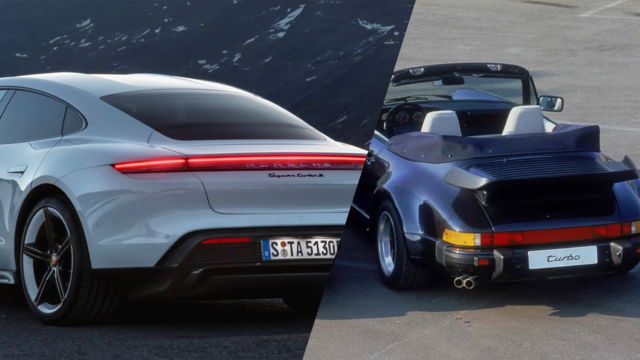
Porsche's Top 5 Most Questionable Naming Decisions
Verdad Gallardo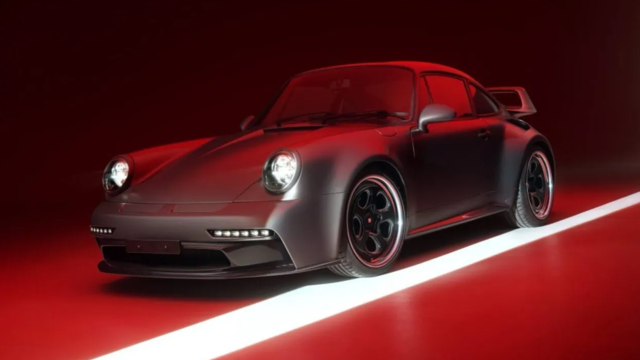
Pogea Racing's 964 Porsche 911 Reimagination Stands Out in a Crowded Field
Verdad Gallardo
6 Convertible Top MYTHS Most People Don't Understand!
Michael S. Palmer
2026 Porsche 911 Club Coupe is Spectacular, And Everything Wrong with the Porsche Market
Joe Kucinski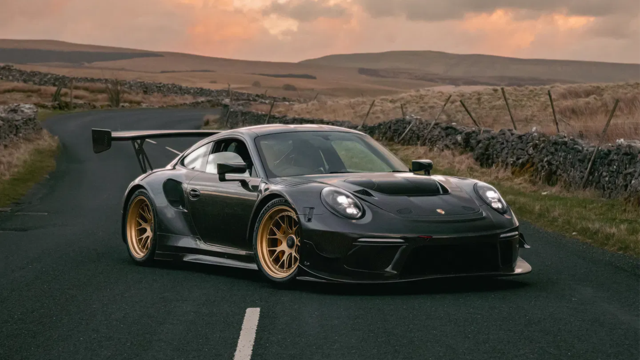
Talos Takes Your 991 Porsche 911 GT3 to the Next Level for a Cool $1.13 Million
Verdad Gallardo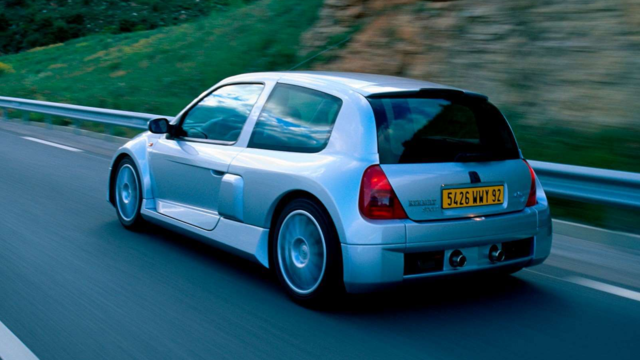
9 Vehicles Porsche Helped Engineer that Aren't Porsches
Verdad Gallardo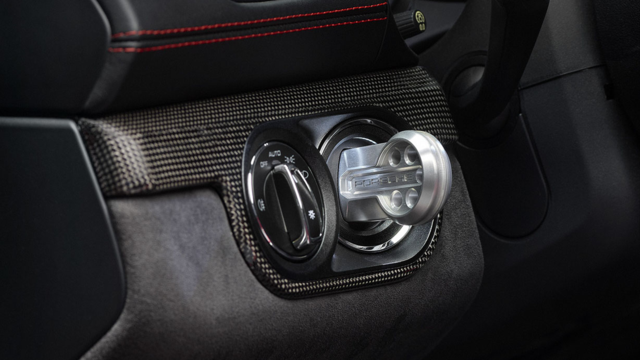
9 Features and Characteristics That Only Porsche People Understand
Verdad Gallardo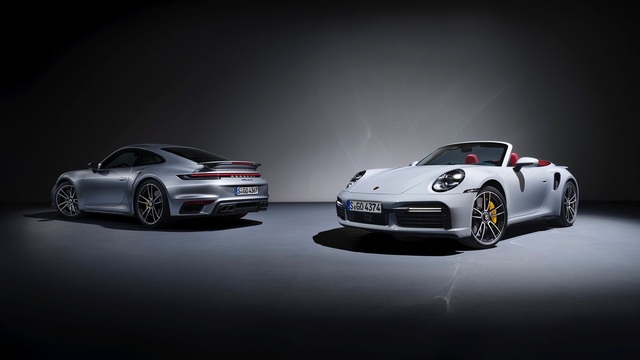
I've Written 500 Rennlist Articles: Here's How Porsche Has Changed Along the Way
Joe Kucinski